


Standardize requests
Give teams the information they need to prioritize and tackle new projects.
Automate each step
Move faster by instantly assigning, organizing, and updating requests.
Improve your processes
Build request workflows in one place, and instantly apply changes org-wide.
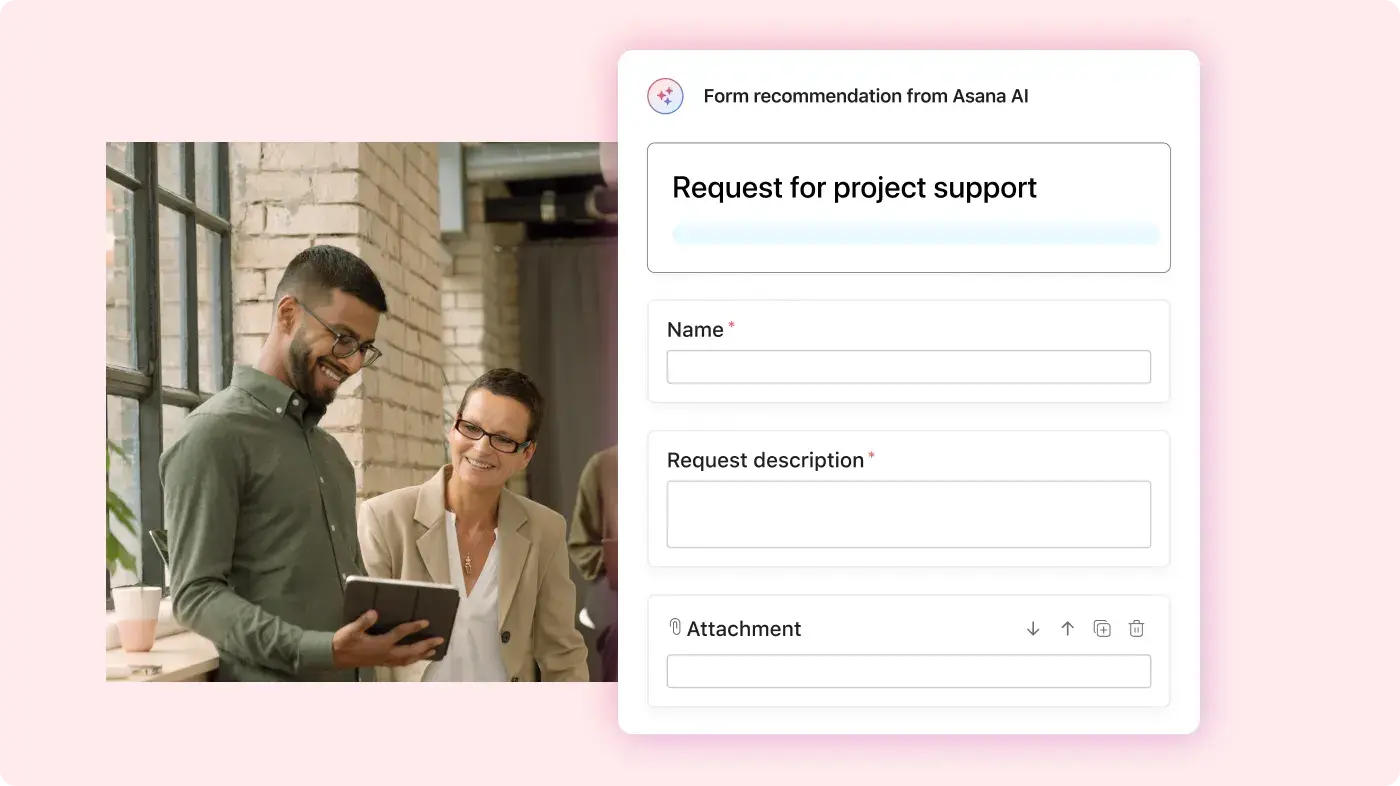
Gather the right details
Collect key information before kickoff with custom or AI-generated forms.
Capture requests from Slack, Microsoft 365, and Google Workspace all in one platform.
Kick off quickly
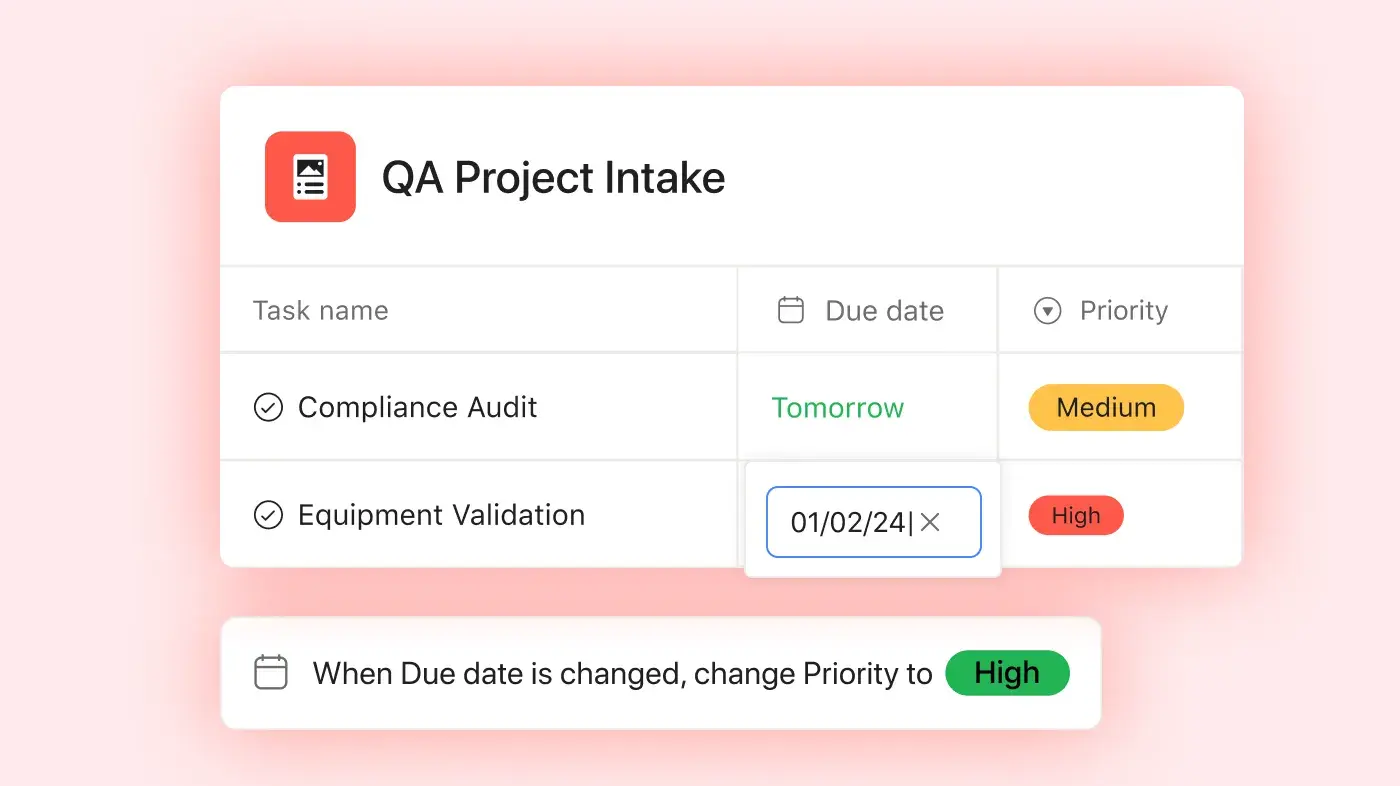
Add custom or AI-generated labels to easily organize and prioritize requests.
Create automations to instantly assign, schedule, and follow up on work.
Track requests across tools
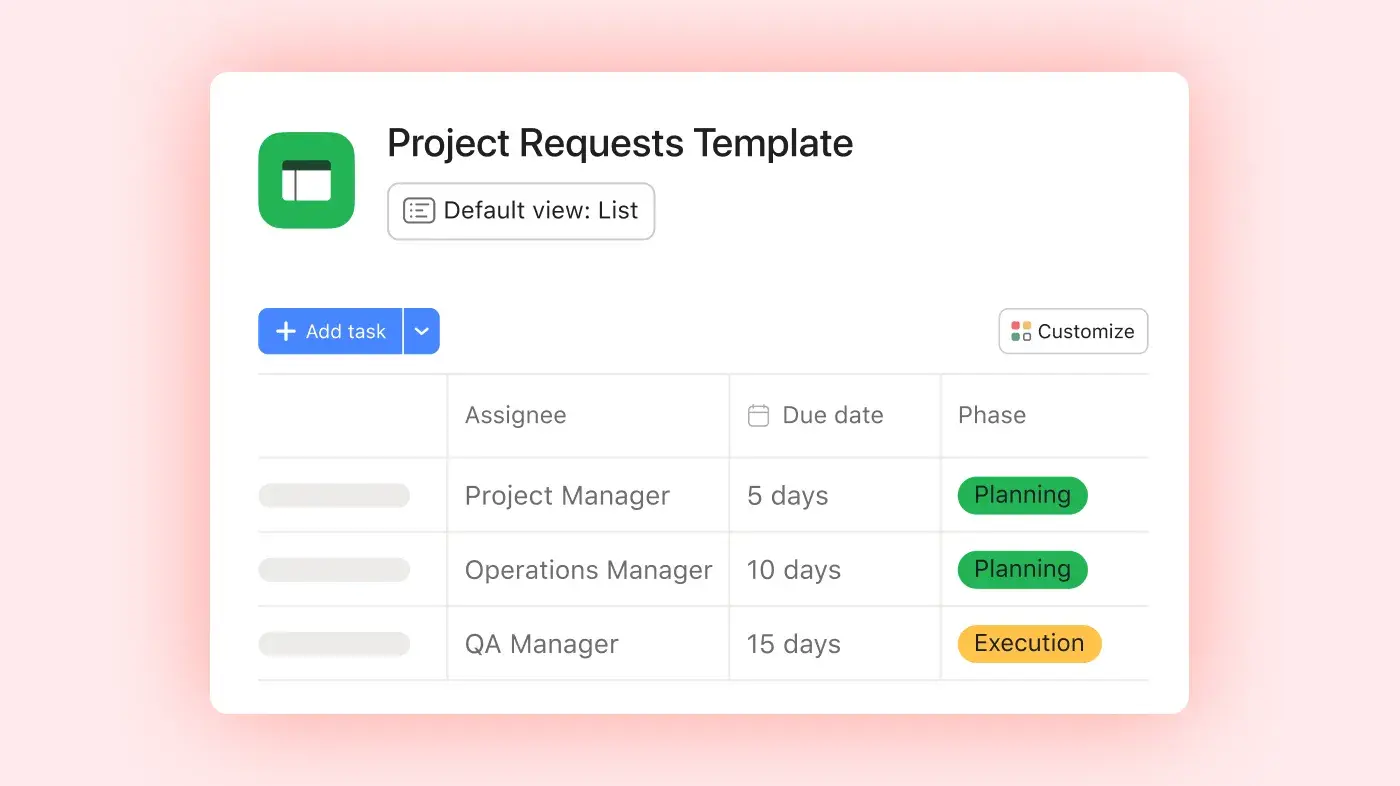
Hundreds of app integrations let you centralize requests in one tool, across your organization.






Project intake templates
Don’t start from scratch. Build your intake process faster with pre-made templates.
Work requests template
Prioritize and manage all the requests your team receives in one place.
Awin content localization template
See how Awin uses Asana to manage content localization requests across 15 territories.


Company Size
Enterprise
Industry
Food & hospitality
With Asana, there’s a standard way to work, a standard way to update information, and full visibility across the network.
Simon Levinson
Senior Manager of Digital Manufacturing Innovation at Danone
Build best-in-class intake processes
Explore expert tips to streamline request workflows and drive operational efficiency across your business.



Still have questions? We have answers.
A project intake process includes the full workflow from request submission to prioritization and execution, while a project request form is just one part of that process. The form captures key details, but the intake process also defines how requests are reviewed, scored, approved, and scheduled.
To handle urgent requests, establish a clear process for escalating them in your intake process. Decide what counts as urgent, who can approve changes in priority, and how current work might need to be adjusted. This keeps urgent projects visible and helps avoid disrupting planned work without proper review.
Track metrics such as the number of requests, the number approved, the time to review, and the time to finish projects. Also, watch the workload and backlog size to find bottlenecks. These numbers help you improve your process and keep work moving smoothly.
An effective project intake process isn’t just about tracking requests—it also requires follow-through. Asana brings your entire workflow into one platform by letting you track requests in one hub, and then prioritize and assign action items in the same place. That means nothing falls through the cracks, and teams have full visibility into the request process from start to finish.
Look for software that allows you to collect, prioritize, and follow through on work requests in one place. A good project intake tool includes automations to eliminate manual work. It should also give leaders and teams total visibility into work status and progress, so they can adjust resourcing as needed. The best way to know if a project intake tool is right for you is to try it. That’s why anyone can try Asana for free. Try Asana today.
Transform the way you work with Asana
Start your free trial
Try Asana for free. No credit card required.
Watch the demo
See how Asana connects companies at scale.
Speak with a sales rep
Learn how Asana helps teams collaborate seamlessly.