


Collaborate the right way
Provide a roadmap for common processes, so teams never miss a beat.
Customize for any project
Design every part of your template, from layout to automations.
Get started quickly
Choose your template, then automatically assign tasks and due dates with a click.
Build best practices
Use our template library
Kick off work with 80 ready-made templates for common workflows.
Get a head start
Design your own processes with our template builder, then reuse them again and again.
Repurpose what you have
Built something you like? Turn projects and tasks into templates with a single click.

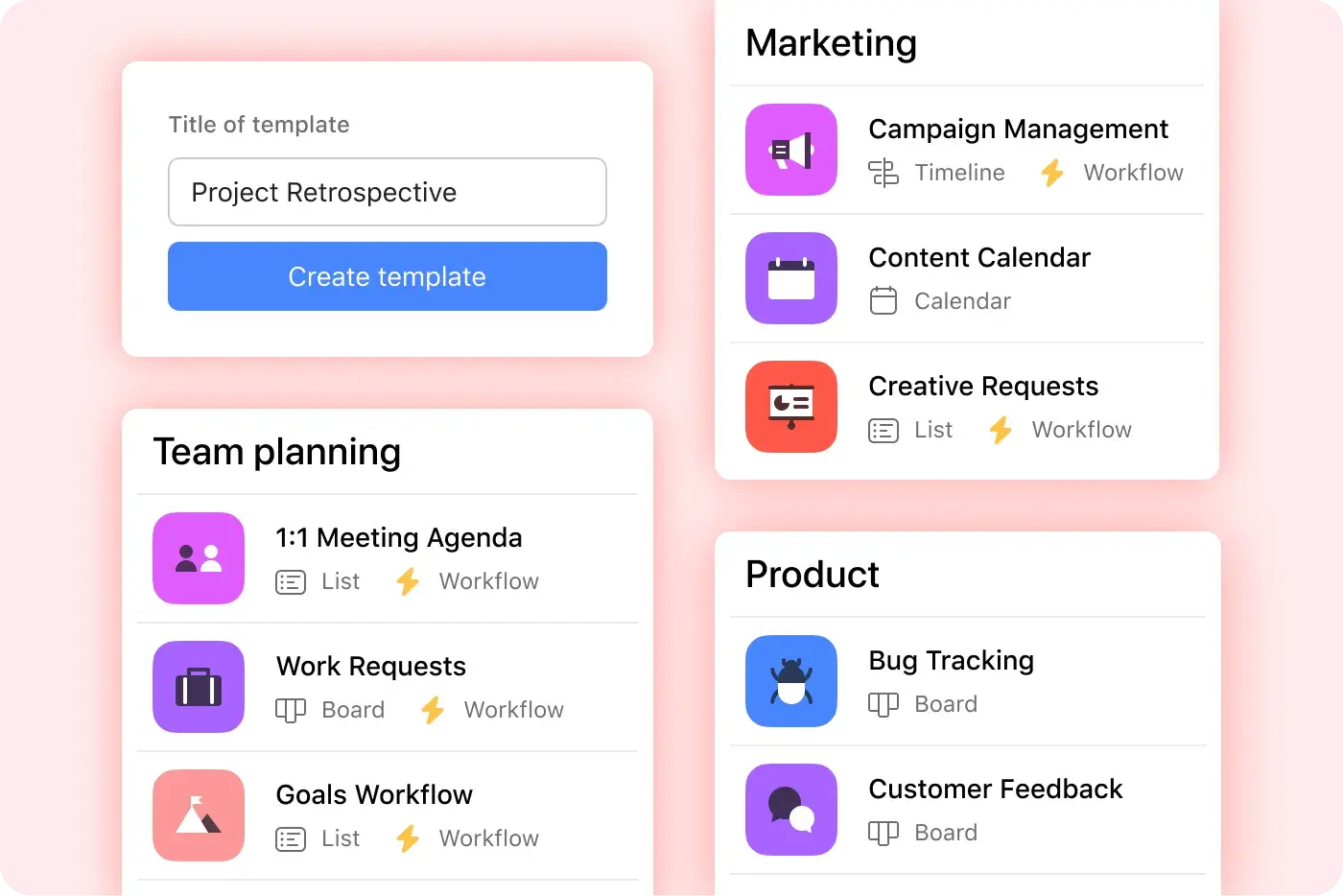
Kickstart projects
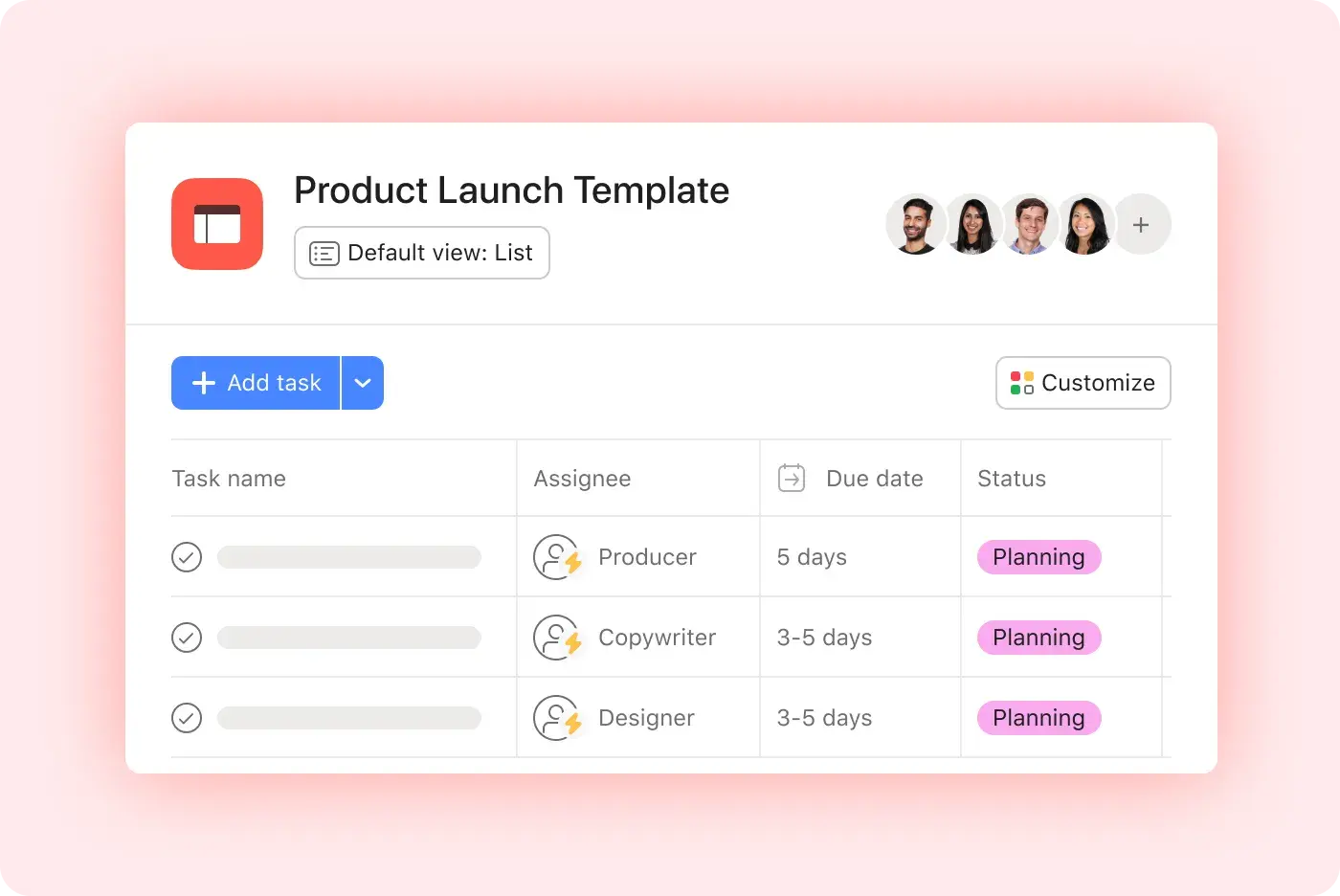
Customize your template
Fill in project tasks, adjust your layout, and set up automations to instantly assign and organize work.
Create project roles
Automatically assign work to the right person, even if your team changes.
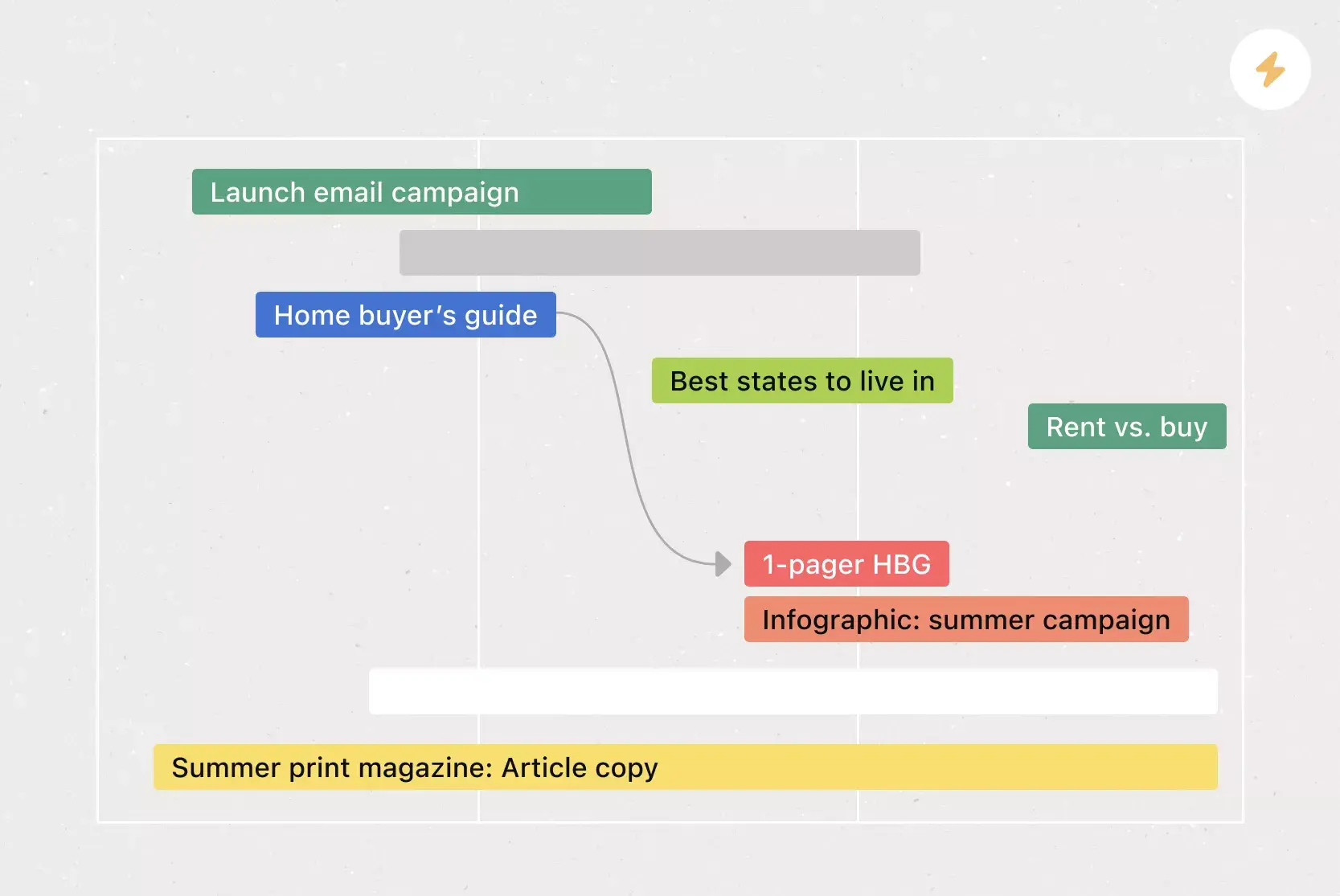
Set dynamic timelines
Pre-fill due dates according to your project’s start date or due date, with the option to skip weekends.

Standardize work across the business
Be consistent
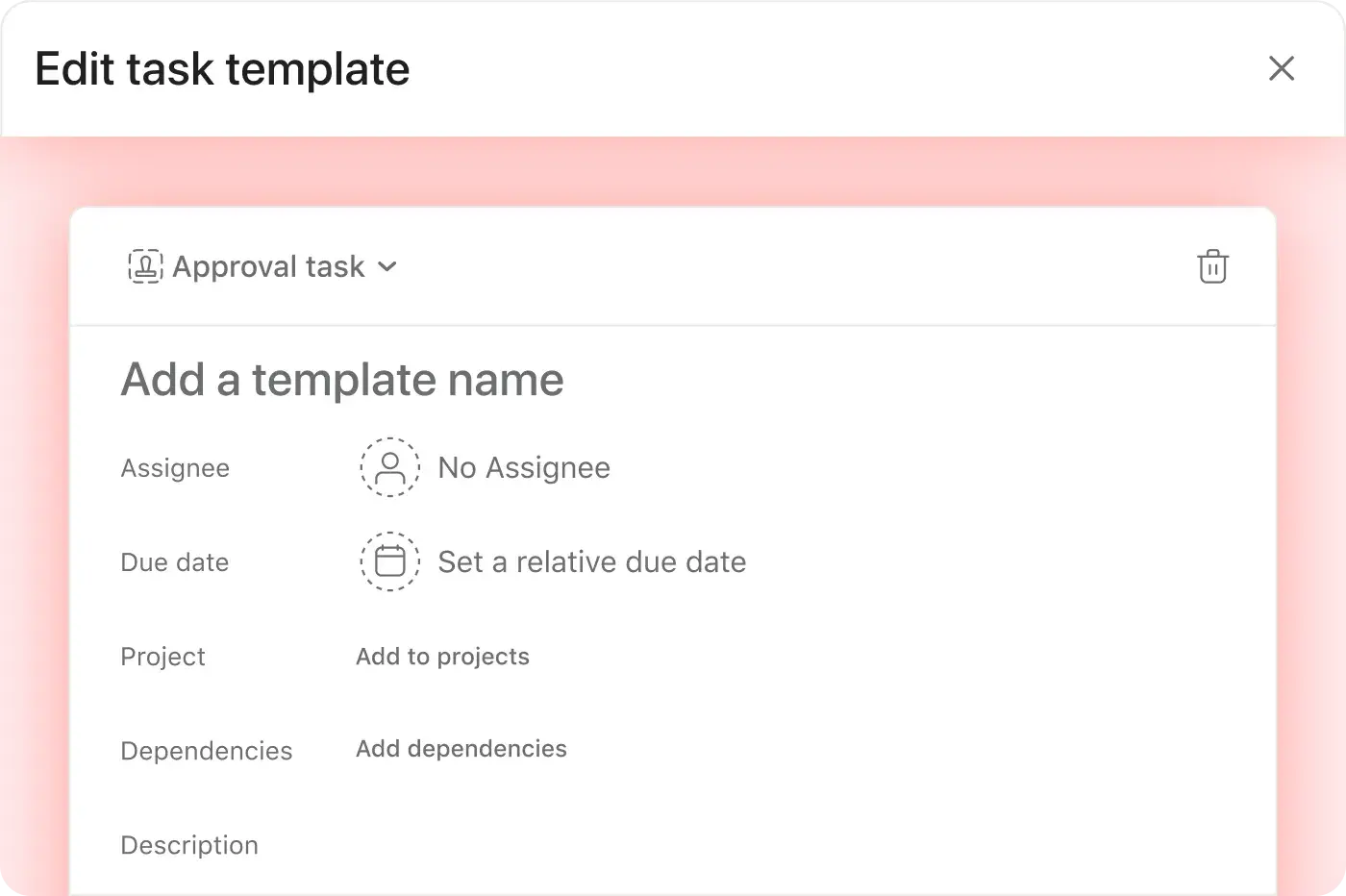
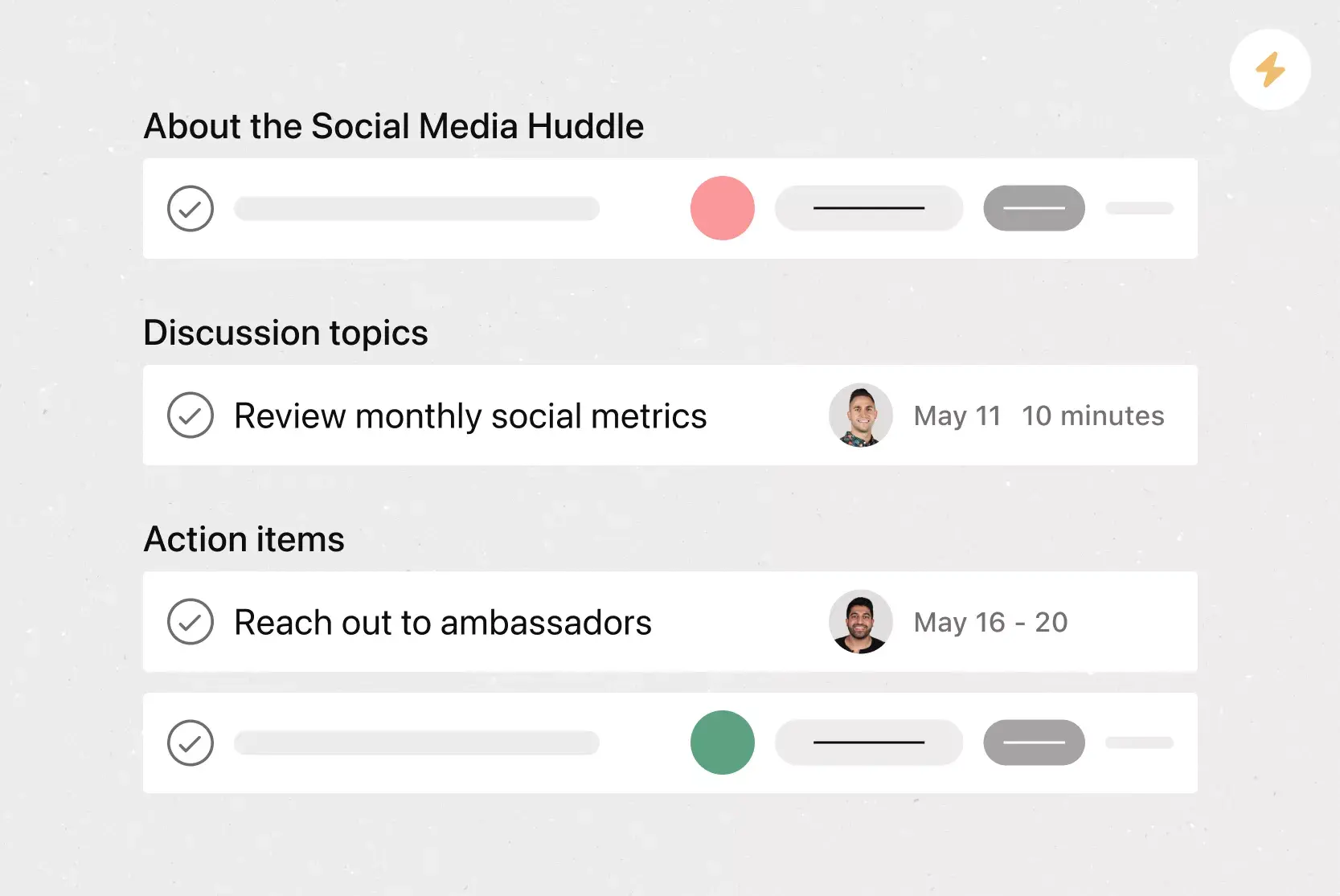
Create templates for common task types, from work requests to meeting action items.
Capture what matters
Fill in the task description, apply custom labels, and automatically add your task to specific projects.
Kick off with a click
Instantly assign work and set due dates relative to when you create your task.

Get an expert opinion
See how Asana customers organize their work with these ready-made templates.


Company Size
Enterprise
Industry
Manufacturing
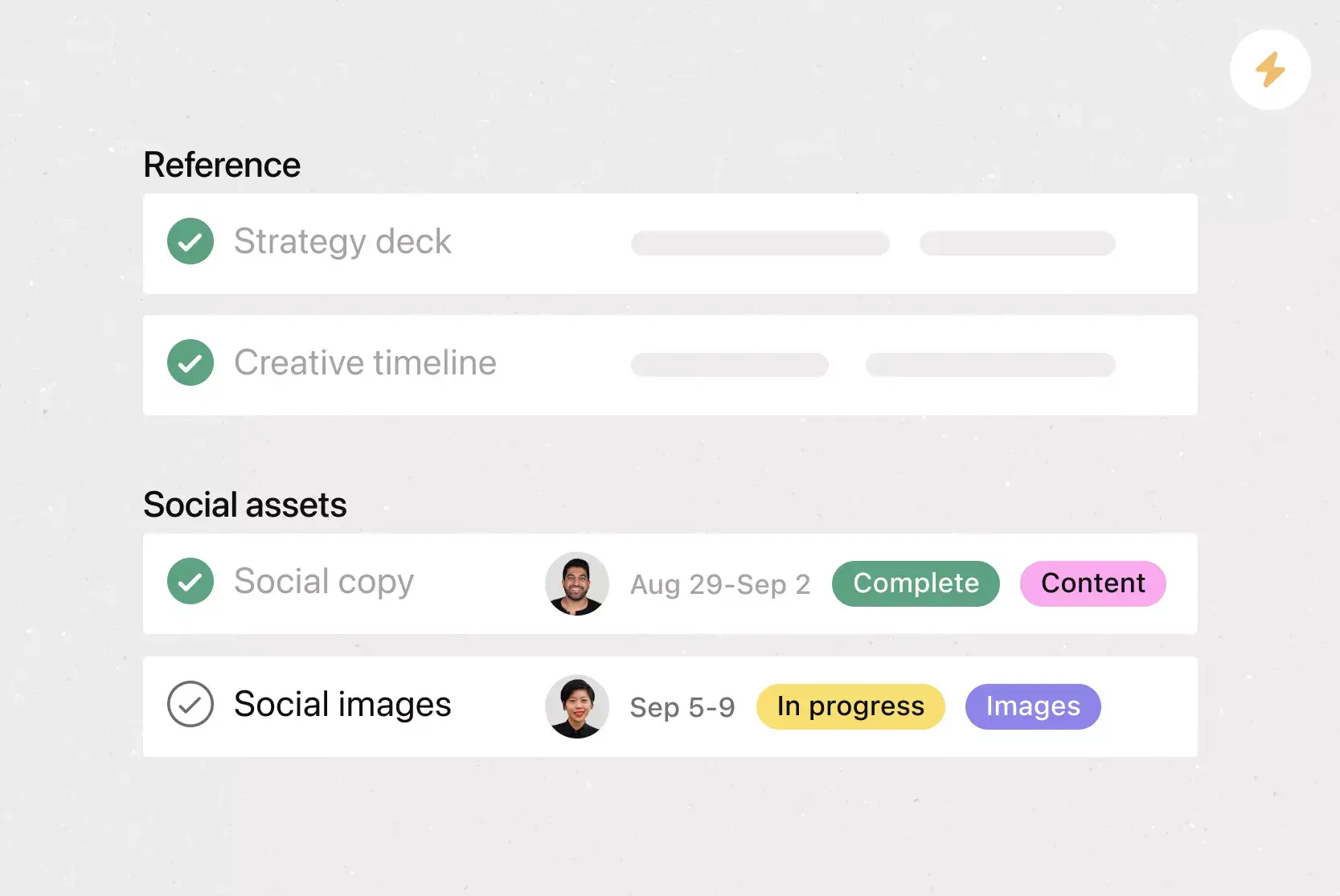
Once we standardized and templatized our marketing processes, our team was able to focus on creating powerful campaigns. I was able to take myself out of the execution phase because I knew I could see how work was progressing whenever I needed.


Eric Edelson
CEO of Fireclay Tile
Templates are just the start
Build out your automation engine with these additional features. It’s never been easier to get more done with less.
Still have questions? We have answers.
Project templates are available to all customers. You can use more advanced templates features, including task templates with Starter, Advanced, Enterprise, and Enterprise+ plans. Learn about pricing, or try Asana Advanced for free, no credit card required.
Asana has over 80 ready-made templates for common project workflows. See them all in our template library and get inspiration for your own custom templates.
It’s up to you! When you create your template, you can choose who has edit access.
It depends on the project your task template is in. Anyone with edit access to the project can edit your task template.
The plans that include custom templates are Advanced, Enterprise, and Enterprise Plus plans for custom project and task templates.
What you can include in a task or project template includes sections, tasks, assignees, due dates, dependencies, rules, and fields.
You can update a template after it's published, and those changes apply to future uses of that template.
You can use templates to enforce consistency as templates standardize project structures and help teams launch faster with best practices embedded.
Templates can include automation rules, and rules built into templates are triggered automatically when the template is used.
You can preview a template before using it by viewing all template content before selecting or duplicating it into a live project.
Templates are not limited to one team or project type. Templates can be reused across multiple teams and customized for different workflows.
You can duplicate templates for faster setup. Templates can be duplicated and then edited to create variations.
To create a new project from a template, select "Use template" when creating a new project and choose from your library or Asana's gallery.
You can include dependencies in templates. You can add dependent tasks and they remain linked when the template is used.
Transform the way you work with Asana
Start your free trial
Try Asana for free. No credit card required.
Watch the demo
See how Asana connects companies at scale.
Speak with a sales rep
Learn how Asana helps teams collaborate seamlessly.