


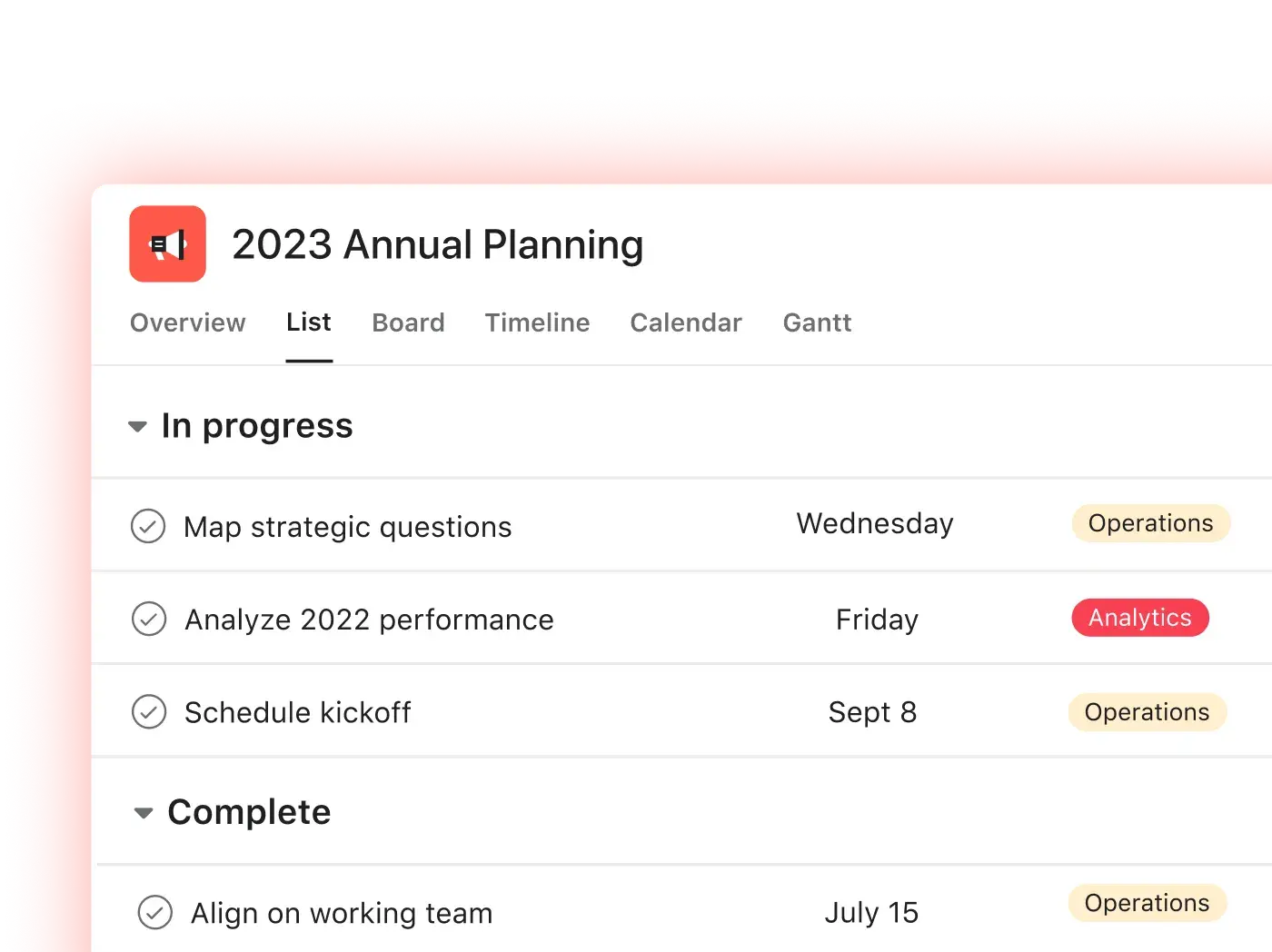
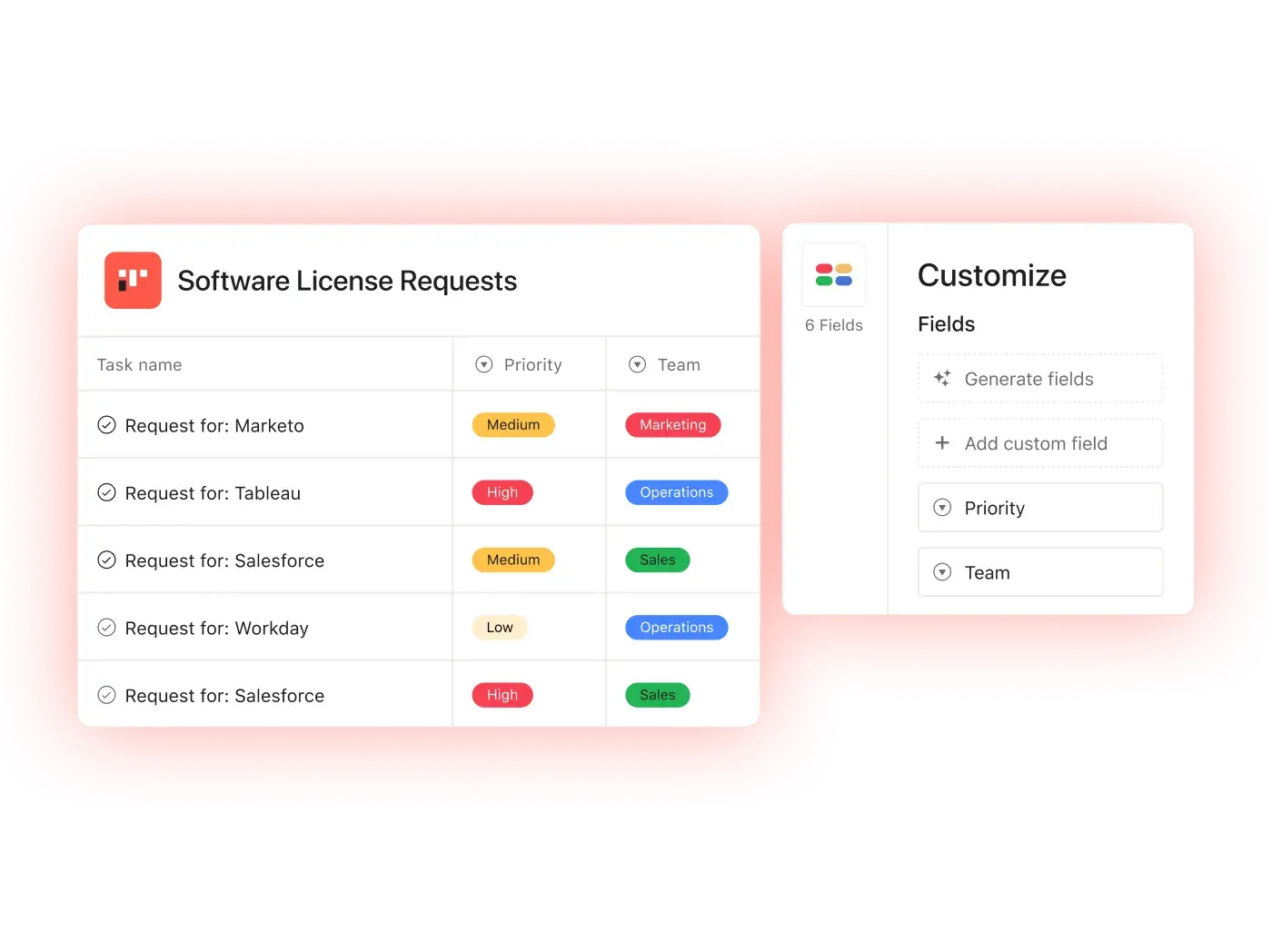
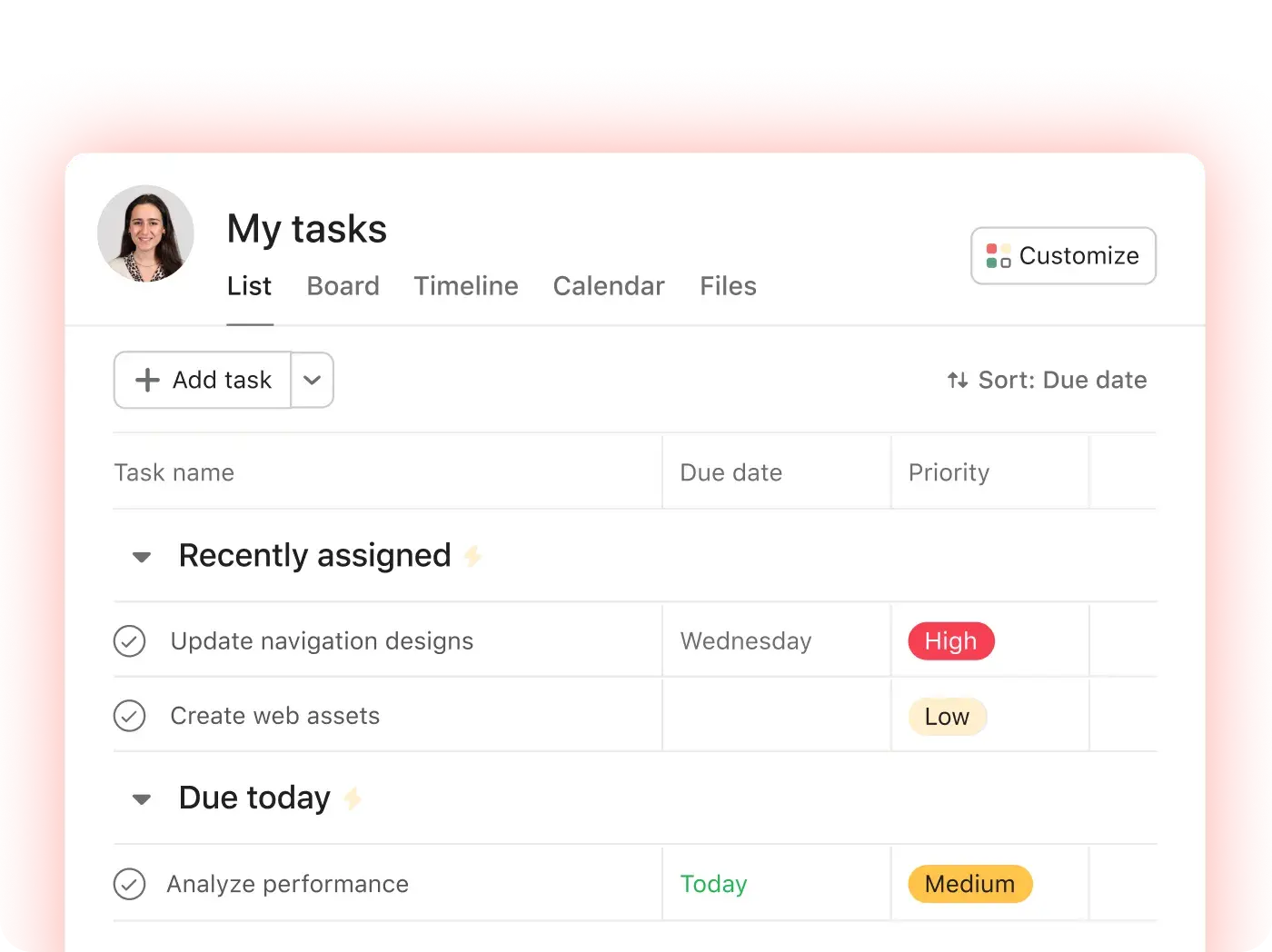
Stay in sync on work with a single shared hub
Keep teams accountable by organizing campaigns and tasks within a single project management tool. Give everyone visibility into the work they need to do and the steps to get there.


Company Size
Enterprise
Industry
Technology
When you’re moving this fast as an organization, it’s important to be on the same page and have a centralized tool to hold people accountable.
Marc Seitz
Senior Security Program Manager, Threat and Vulnerability Management at Zoom


Get it done with these features
Deliver on your most important work, no matter how many teams or steps are involved. From project planning to prioritizing day-to-day tasks, our project management tool has you covered.
Agentic project management
Where humans and agents run critical workflows together, from a shared plan, toward the same goals.
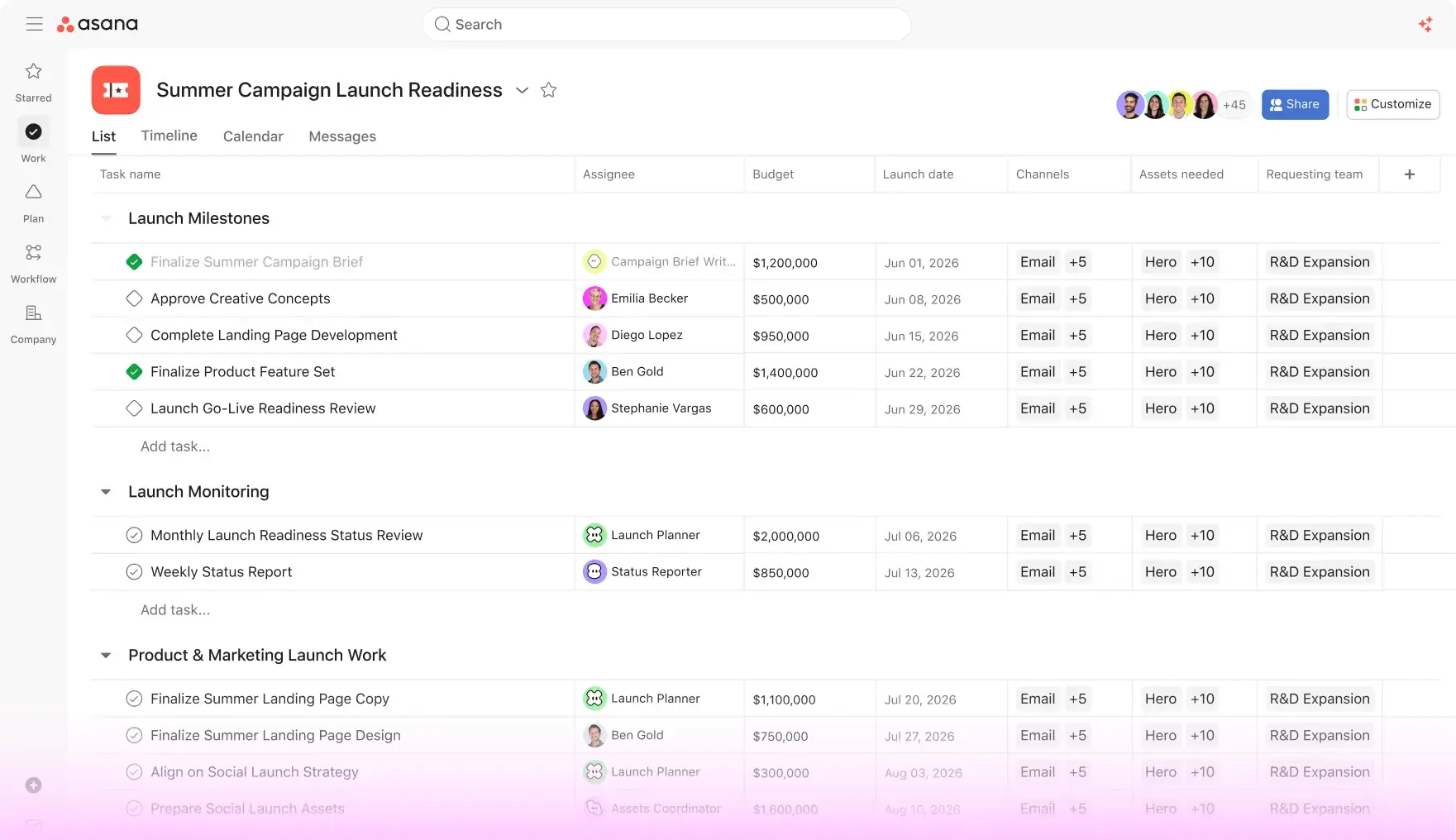

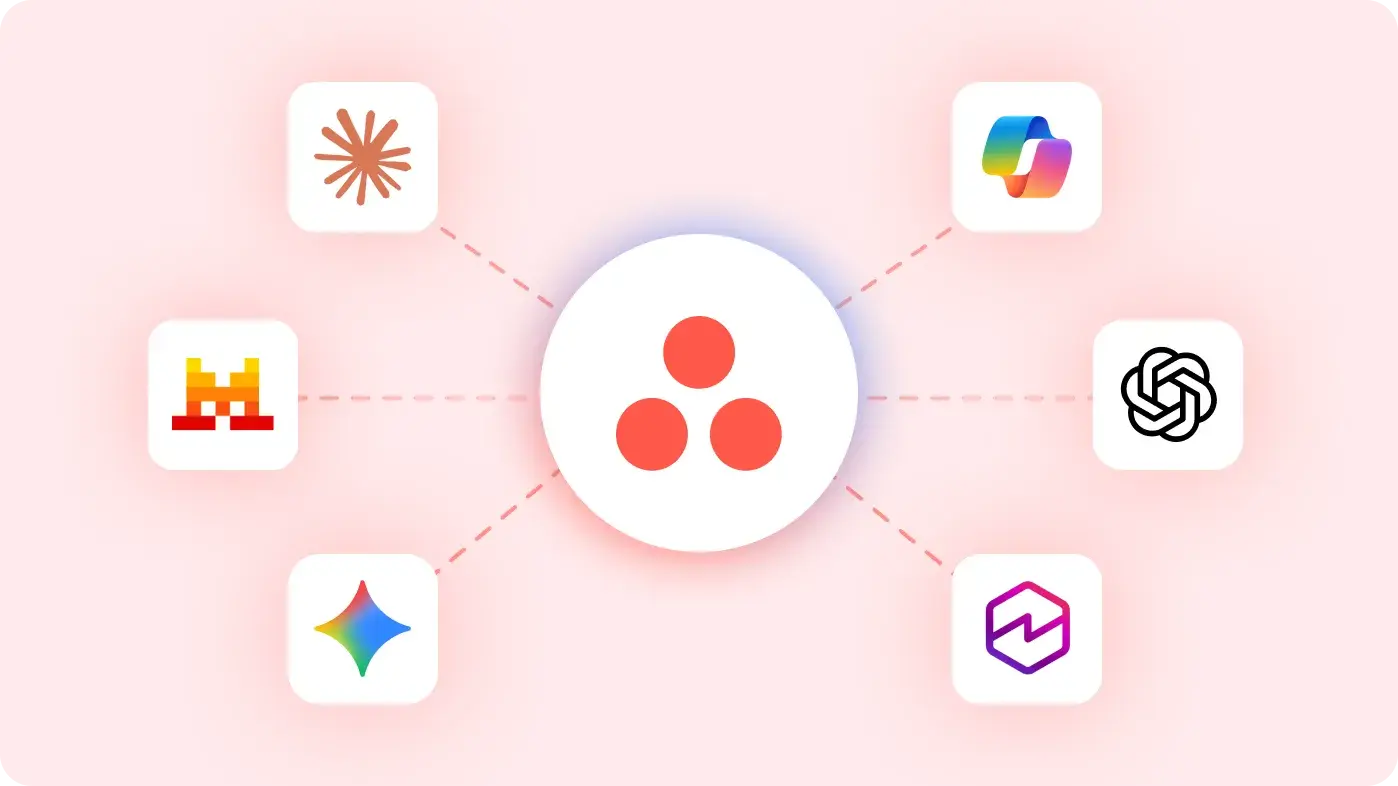
Turn conversations into coordinated work
Asana AI connectors are the bridge between your big ideas and the work that brings them to life. Kick off projects and organize next steps directly in your go-to AI apps.
Connect your tools
Asana integrates with 270+ apps, so you can stay in sync, even when teams use different tools.







Nucleus Research: Cut project time in half with Asana
In this independent study, learn how Asana can reduce the time it takes to complete a project by 50%, minimize project errors by up to 90%, and more.
Go deeper
Our project management tool is just the start. See what else you can do with Asana.
Still have questions? We have answers.
Asana offers its project management tool across multiple plans, with more advanced options available for teams that want access to AI Studio Basic, automation, and workload management.
Personal: Manage projects and tasks with owners, due dates, and core project views.
Starter: Add features such as Timeline, Gantt view, custom fields, forms, rules, and custom templates.
Advanced and enterprise plans: Add more advanced options for portfolios, goals, reporting dashboards, budget management, admin controls, and resource planning.
Plan details can change, so check Asana’s pricing page for the latest feature availability before choosing a plan.
Asana gives teams multiple ways to plan and review work in the same project. Common project views include:
List view for visualizing task management
Board view for Kanban boards, backlog work, and issue tracking
Calendar view for deadlines and launch dates
Timeline view for project schedules and handoffs
Gantt view for milestones, task dependencies, and detailed project plans
Whether your team uses Scrum, Agile methodologies, or more traditional project management processes, Asana offers a view that helps you plan, track, and manage work in the format that best suits your team.
Yes, you can switch between views on the same Asana project without recreating tasks or changing your project setup. The same tasks, owners, due dates, dependencies, custom fields, and comments appear in each view, so teams can review the project in the format that reflects their workflows.
For example, a project manager might plan the project scope in Timeline, review deadlines in Calendar, and use Dashboard for reporting and analytics. Asana is an ideal project management tool because teams can plan, track, and report on the same project from different views.
Task dependencies show when one task relies on another task before work can continue. In Asana, teams can mark tasks as waiting on another task or blocking another task.
Use dependencies to:
Sequence work with handoffs between teams
Flag blockers before they delay a launch
Connect tasks to milestones
Plan project timelines in Timeline or Gantt view
See how one delayed task may affect related work
Dependencies help project managers protect deadlines, especially when a project includes approvals, resource allocation, or work from multiple teams.
Yes, a task can belong to up to 20 projects. When someone updates the task’s assignee, due date, comments, attachments, or other details, that update appears in every project that includes the task. Teams can track a single assignment in different projects, such as a campaign calendar, product launch, portfolio management view, or team capacity plan, without creating duplicate tasks.
Yes, Asana offers mobile apps for iPhone, iPad, and Android, plus desktop apps for Mac and Windows. The mobile app helps teammates check My Tasks, Inbox, Projects, and Messages when they are away from their desk. The desktop app gives users a dedicated workspace for tasks, search, portfolios, Quick Add, and goals, while integrations such as Microsoft Teams help connect conversations to work.
Asana Inbox is the notification center for project and task updates. It shows updates on projects you’re a member of, as well as tasks assigned to you or that you collaborate on. Use Inbox to review new assignments, comments, due date changes, approvals, and status updates without relying on separate messages or email threads.
To create a project status update in Asana, open the project and go to the Overview tab or status menu. You can write the update yourself, or use Asana AI to draft one from recent project activity before you review and publish it.
To create a status update:
Open the project.
Go to Overview or the project status menu.
Select the current status, such as on track, at risk, off track, on hold, or complete.
Add the update details, including progress, blockers, timeline changes, and next steps.
Use Asana AI to draft the update from recent project activity, then review and edit the draft.
Publish the update to share it with the project team.
Yes, rules let teams build customizable workflows that run when specific triggers happen. Choose a trigger, add conditions, and select the actions Asana should take. Teams often use rules to assign incoming requests, move tasks between sections, update custom fields, add comments, and route issue tracking from backlog to the right team member. Automated workflows help teams reduce manual steps in repeatable work, such as approvals, intake, and sprint planning.
The desktop app includes a Pomodoro timer, which helps users work on a selected task in focused sessions. While the timer runs, Asana pauses notifications, so individuals can make progress on priority work before checking project updates again. The desktop app also gives Asana a dedicated window on Mac or Windows, which can reduce tab switching between work, emails, chats, or wikis.
The best project management tools help you plan projects, assign tasks, set deadlines, track progress, and report on results. Asana provides project management software for simple task tracking and complex, multi-departmental workflows.
Popular project management tools include:
Asana
Wrike
Jira
monday.com
Trello
ClickUp
Smartsheet
Airtable
Microsoft Planner
Zoho Projects
Basecamp
Asana’s AI project management tools help teams summarize project updates, answer questions about active campaigns, route work requests, and create smart workflows for repeatable project processes, so project managers can spend less time on manual coordination and more time planning, unblocking, and delivering work.
Transform the way you work with Asana
Start your free trial
Try Asana for free. No credit card required.
Watch the demo
See how Asana connects companies at scale.
Speak with a sales rep
Learn how Asana helps teams collaborate seamlessly.